
Pixel-Perfect Figma → WordPress
Turn your finished Figma design into a real WordPress website in minutes, without rebuilding it from scratch.
 Get Started Free




Trusted by 451+ Web Designers
Convert your Figma design for free, edit every detail visually with ReFrame, and publish it as a real WordPress website without rebuilding it from scratch.






ReFrame turns it into a pixel-perfect, fully editable WordPress website in minutes, without rebuilding it from scratch or relying on developers to recreate every detail.

ReFrame turns your finished Figma design into a pixel perfect, fully editable WordPress website without rebuilding it from scratch.
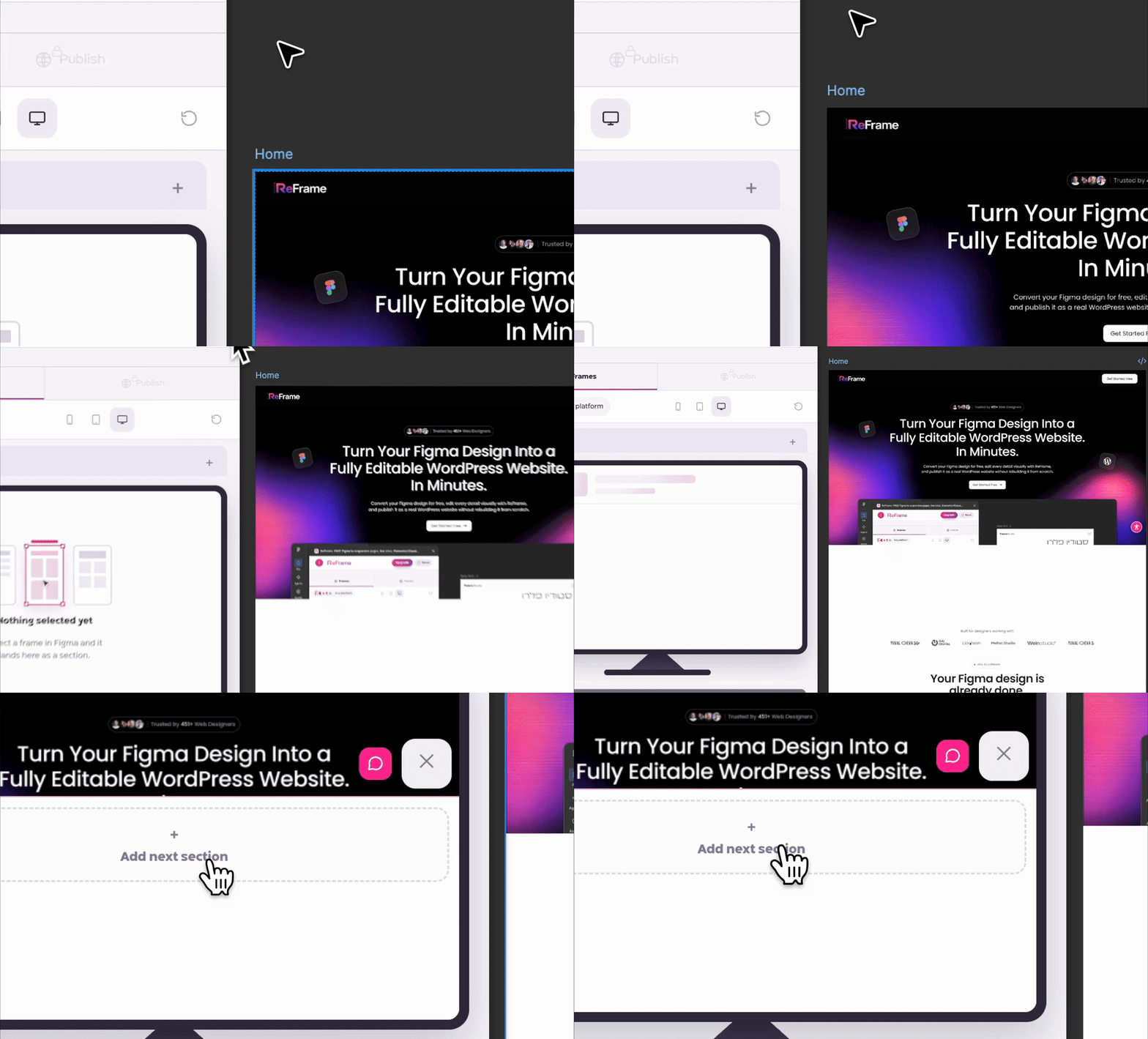
Open the ReFrame plugin, select the frames you want to turn into website pages, and start the conversion.
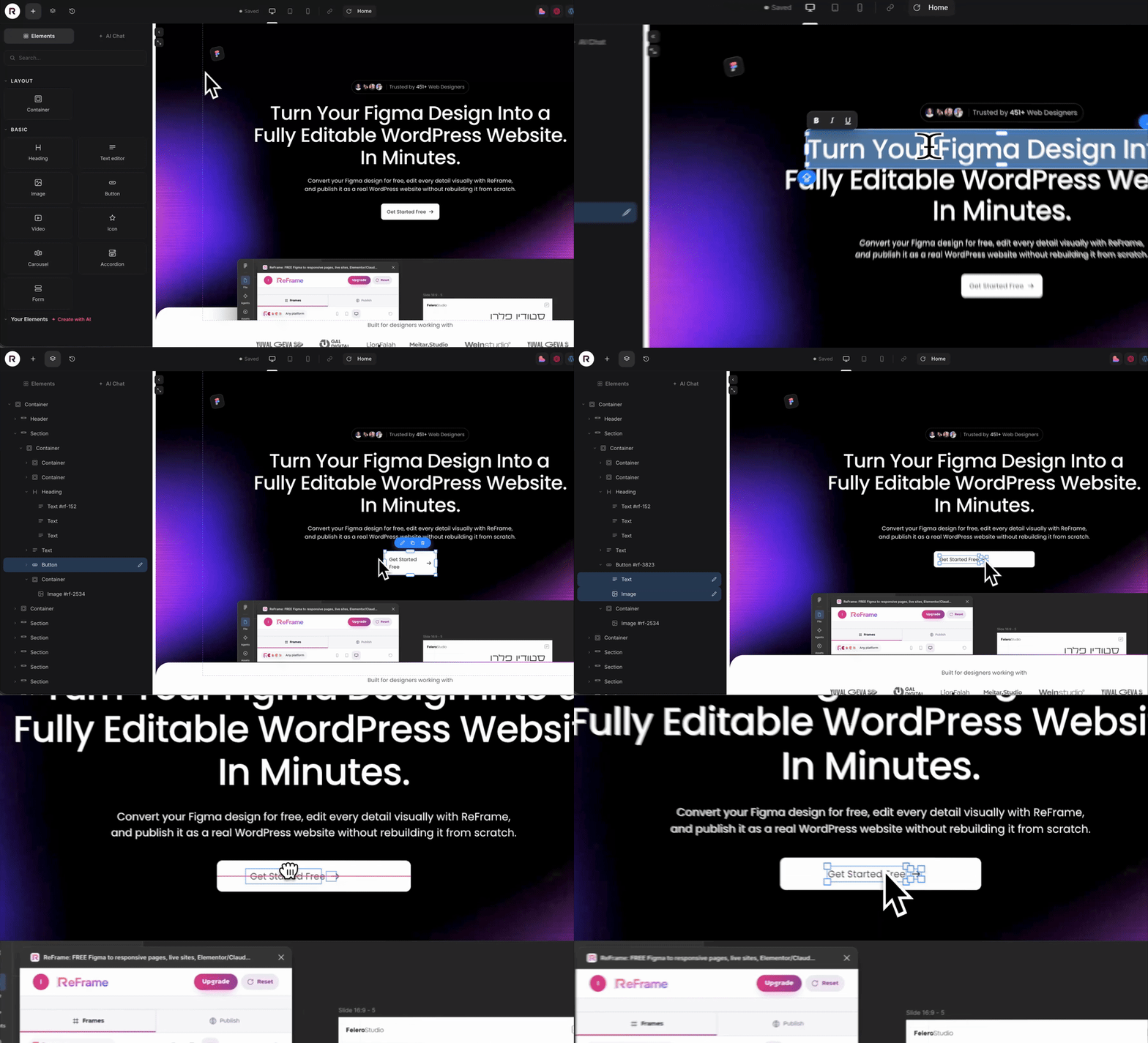

Watch your Figma design become a real, editable website in minutes. Then fine tune text, images, spacing, sections and responsive layouts visually inside ReFrame.
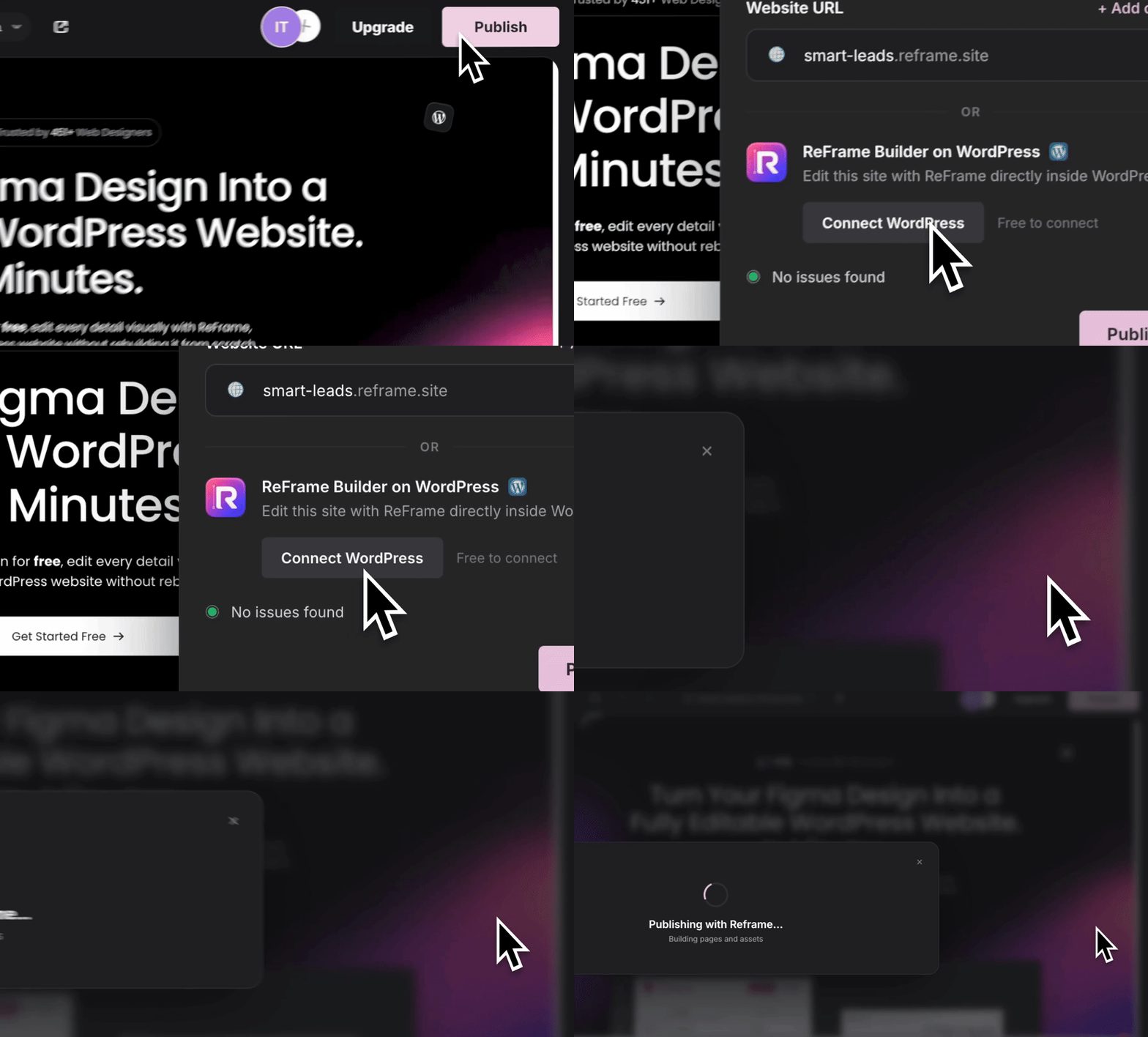
Connect your WordPress site and publish directly to it. Keep editing visually with ReFrame while WordPress stays underneath as your CMS.
ReFrame doesn’t just turn your design into a website. It gives you a complete AI-powered WordPress building workflow — from finished Figma design to a live, fully editable site.
Turn your finished Figma design into a real WordPress website in minutes, without rebuilding it from scratch.
Edit, create and improve your website with AI directly inside ReFrame, while WordPress stays underneath as your CMS.
Your website isn’t exported as a flat page or locked code. Every element stays structured, visual and editable.
Fix spacing, text, images, sections and responsive layouts visually without going back to code or rebuilding the page.




You already made the creative decisions in Figma. ReFrame handles the technical work, so you can stay focused on the design instead of rebuilding it.
Your design is already done. ReFrame starts from the work you’ve already created instead of asking you to start over.
Move, resize, edit and adjust the website directly. You stay in control of the final result without explaining every small change to AI.
Turn your finished design into a real website and spend your time on the final touches instead of repeating the same work again.
The result isn’t a locked page or black-box code. Your website stays structured, visual and easy to keep editing.

ReFrame is being shaped around real workflows, real Figma files and the problems designers face when turning finished designs into live websites.
“I was skeptical because I had already tried other Figma converters and always ended up fixing everything manually. ReFrame was the first one that actually saved me time.”

“I expected another converter that would get me halfway there. Instead, I had a solid website ready in minutes and only needed to make a few final adjustments.”
“I used to spend hours rebuilding designs I had already finished in Figma. With ReFrame, I finally feel like the website actually continues from the design.”
“The biggest surprise for me was how editable the result was. I could fix small details visually instead of going back and rebuilding sections from scratch.”

“I did not really believe a tool could take a professional Figma design and turn it into something usable that quickly. After trying ReFrame, I completely changed my mind.”


Everything you need to know before converting your first Figma design.
ReFrame turns Figma designs into live, editable websites in minutes and lets you continue the project on platforms such as Lovable, Claude Code, Base44 and Elementor.
No. The purpose of ReFrame is to use the design you've already created in Figma as the starting point for the website.
Yes. After the conversion, the website opens inside ReFrame where you can review and fine-tune the result before continuing.
ReFrame is designed to connect your converted website to platforms including Lovable, Claude Code, Base44 and Elementor, with more platforms planned.
No. ReFrame converts the design first, so the project can be reviewed and edited before you decide where you want to continue working.
Yes. You can start converting your Figma design for free.
Turn it into a live, editable website with ReFrame and continue on the platform you choose.
